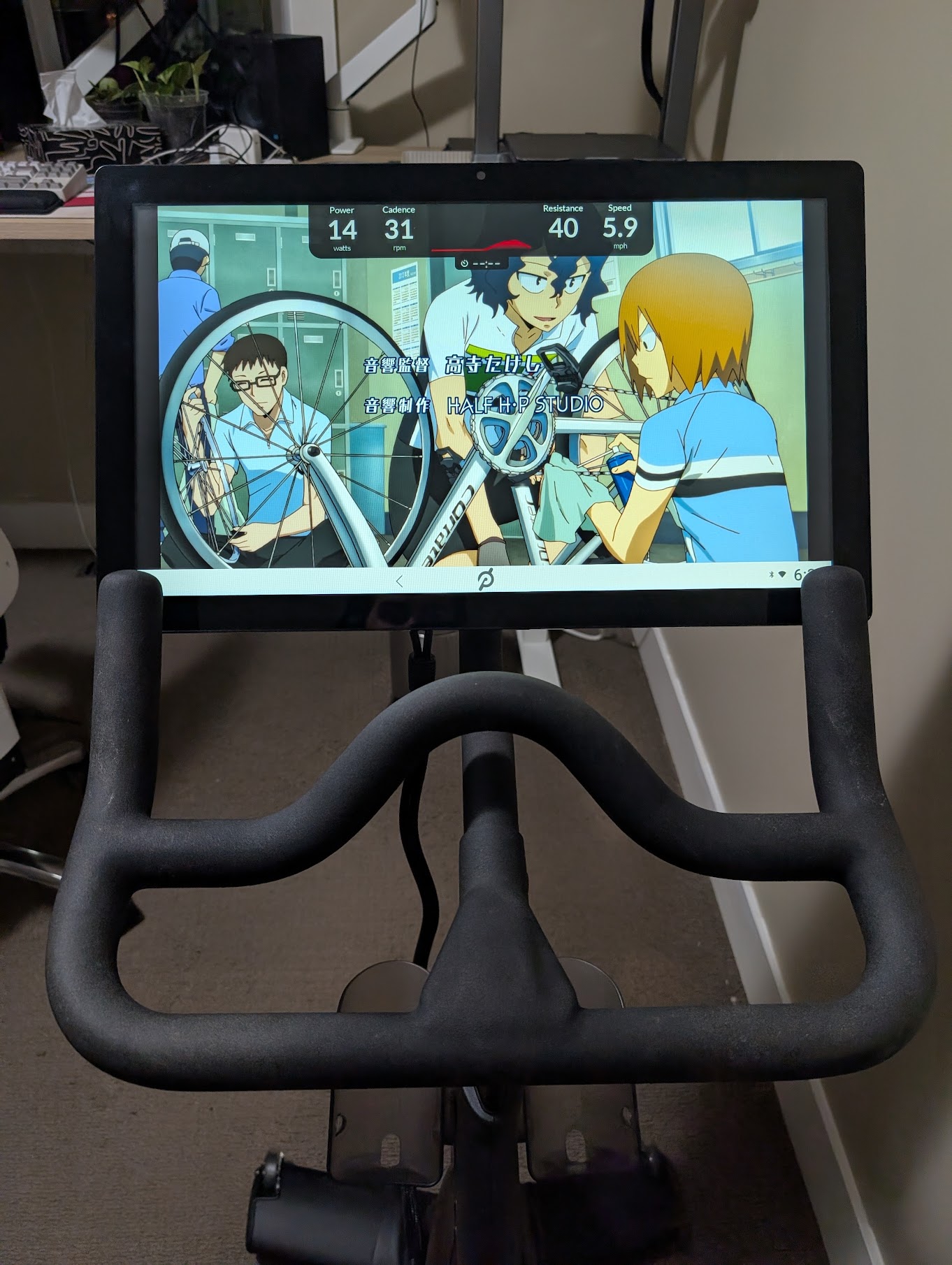
 Watch your weeaboo cycling content while you pedal!
Watch your weeaboo cycling content while you pedal!
Watch your weeaboo cycling content while you pedal!
I own a first-generation Peloton bike (long story), and have never felt willing to pay the $34.99 CAD monthly fee to access their content and workouts. For years, this has effectively turned the bike a very large paperweight. For the uninitiated, without a paid subscription you are limited to the "just ride" mode, which is the equivalent of cycling while staring at an odometer.
However, today I learned that it is trivial to sideload whatever applications you'd like onto the bike. Additionally, there's homebrew software available to display an overlay with your stats overtop of whatever app you have open. Unfortunately this information is scattered across junky fitness websites and Reddit threads, so I'm consolidating the steps here.
If you're familiar with Android development, you'll be pleased to learn that Peloton have made no effort to prevent you from using adb on their tablets via USB debugging. These steps assume that you already have adb installed and are using a Linux laptop, though they should be trivial to adapt for commercial operating systems.
Settings > Device Settings > System > About tablet, and tap the Build number field at the bottom 7 times. You should see a prompt informing you that you are "now a developer".System menu and open Developer options, then enable the USB debugging toggle.adb start-server to start the daemon.
sudo.adb devices. You should see no connected devices.ALLOW on this prompt.adb devices. You should now see a connected device.adb install <PATH_TO_APK>. My preferred launcher is Lawnchair, so I downloaded the APK from their downloads page and installed that.adb.adb on my tablet were Lawnchair and Droid-ify, my preferred FDroid client. From there, I used Droid-ify to install Obtanium for managing apps that aren't available in the FDroid repositories.arm64_ChromePublic.grupetto is a wonderful little Android app that provides an overlay with your current stats (power, cadence, resistance, speed) on top of whatever other app you are using. For me, this is a game-changer. Unfortunately there is no support for more complex features like session tracking, as it is considered out-of-scope by the maintainer. If I find myself using this setup consistently, I'll likely either contribute some features upstream or fork the app and build it into a more complete workout suite. I miss writing Kotlin, so it'd be a good excuse :)